
Plan around real habits, zone intentionally, prioritize everyday amenities, and pick furniture that adapts.
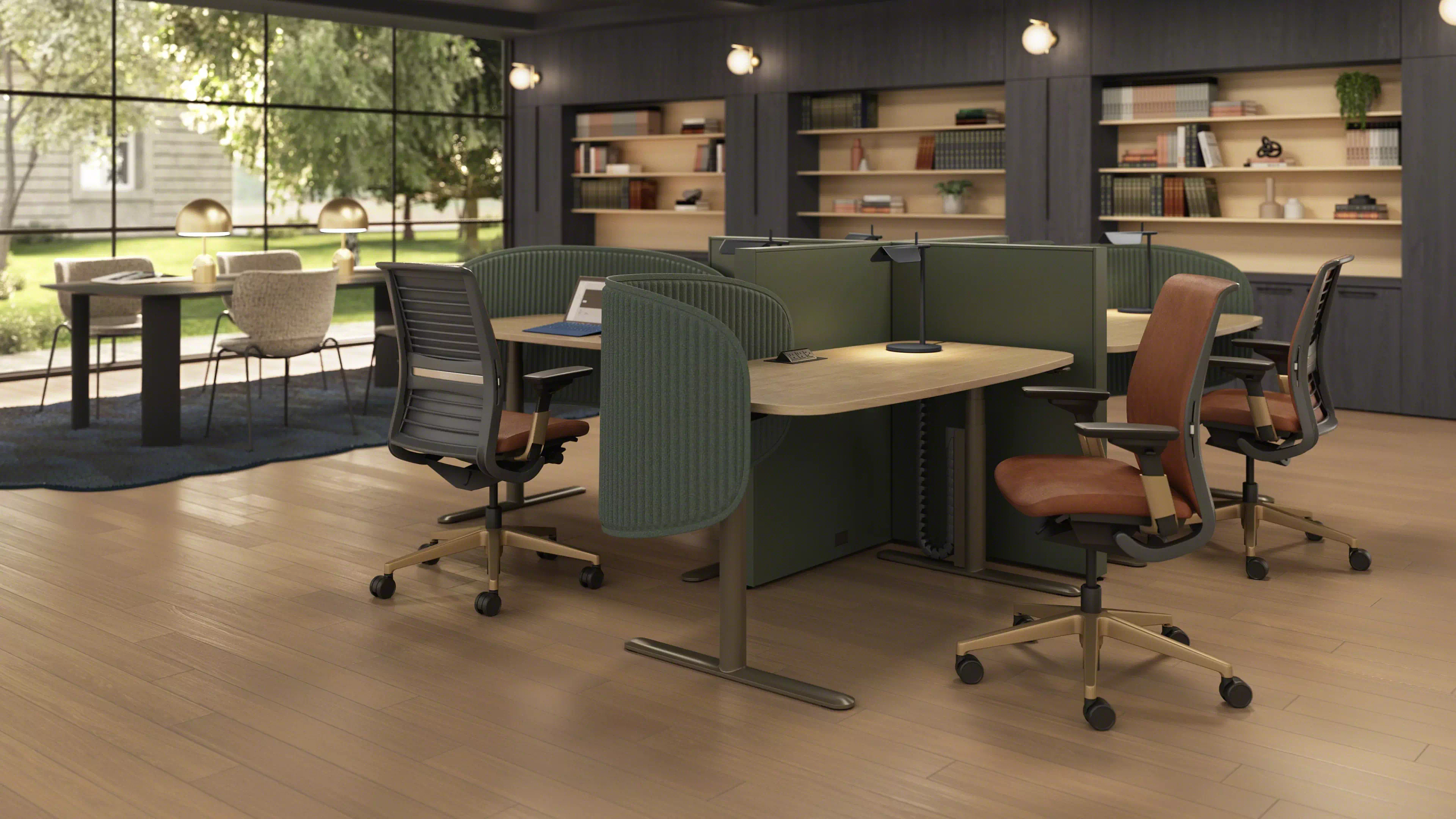
Ever walked into an office where half the desks sit empty while everyone fights over the one decent meeting room? It happens more than you’d think. At Workspace Inc., we talk with business owners every week who want to rethink their floor plans, and the conversation almost always lands on shared workspaces. When done well, they bring a team closer together, reduce wasted square footage, and give people room to breathe, but when done poorly? They turn into noisy free-for-alls. Here’s how to get it right.
Key Takeaways
Five things to get right
Plan your layout around how your team actually spends its day, not around a generic floor plan.
Zoning the office into focus, collaboration, and social areas keeps noise and distractions in check.
Power, storage, acoustics, lighting, and comfortable seating are the amenities people notice first.
Flexible, mobile furniture lets your office grow and change without a full redesign.
A few simple ground rules keep a shared office running smoothly over the long haul.
Start With How Your Team Really Works
Before anyone picks out a single desk, take an honest look at your people. Who’s on the phone all day? Who needs total quiet? Who’s only in a few days a week? The best shared workspaces are built around answers to questions like these.
Our team usually recommends a two-week observation. Note when the office fills up, where people gather, and which rooms collect dust. Patterns show up fast, and they tell you how much open seating you need, how many private spots to build in, and whether hot-desking makes sense.
If only part of your staff is in on a given day, you don’t need a desk for everyone.
Hybrid schedules have changed the math, too.
Zone the Floor With Purpose
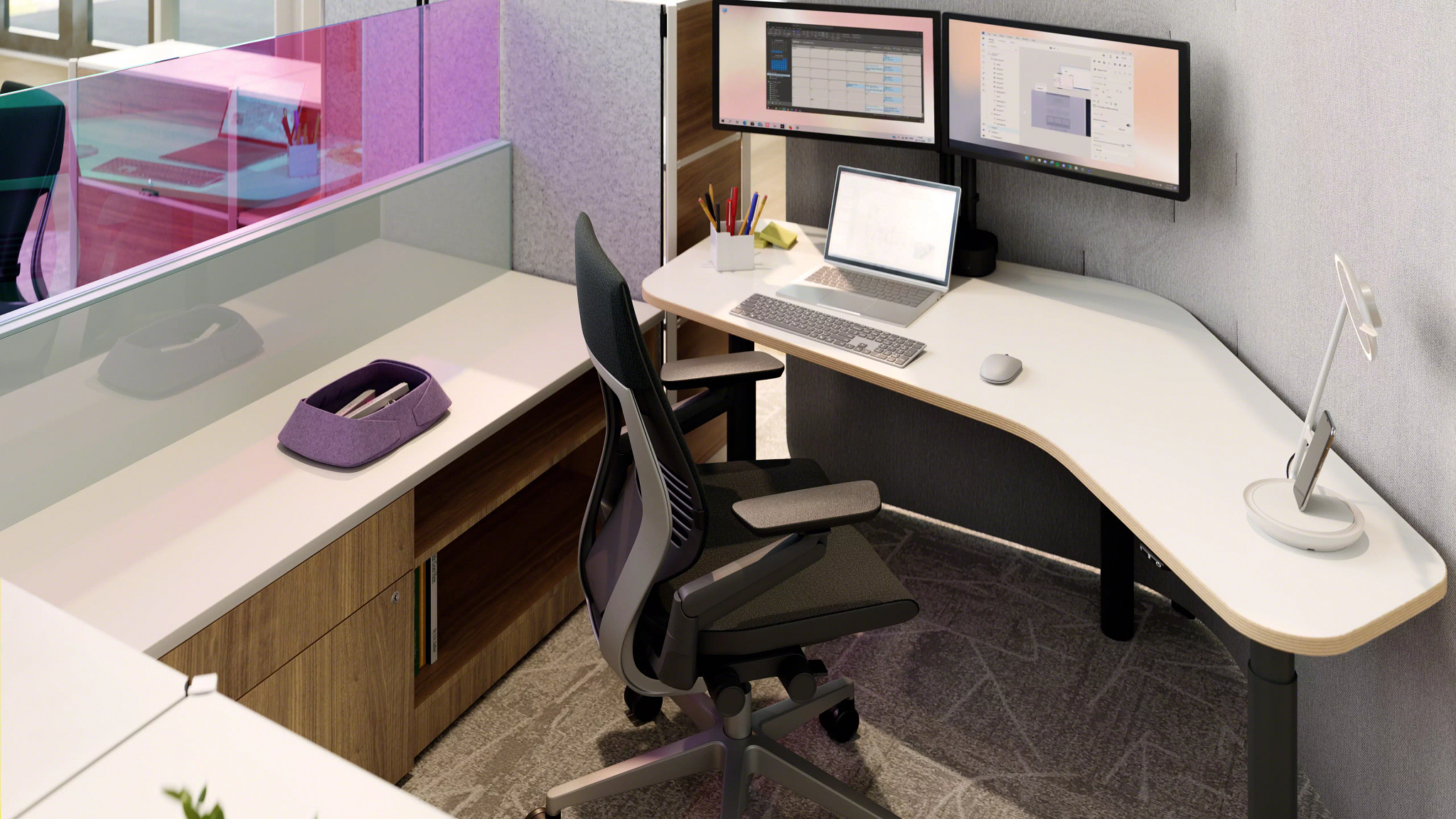
The biggest mistake we see? Treating a shared office like one giant room. People need different environments for different tasks. Quiet focus areas belong away from foot traffic. Collaboration zones need big tables, whiteboards, and a screen or two. A lounge gives folks somewhere to recharge, and phone booths let them make calls without disturbing anyone.
Define zones without walls
You don’t need drywall to pull this off, either. Bookshelves, planters, acoustic panels, and smart furniture placement can define each zone while keeping the space open and bright.
What Amenities Really Matter?
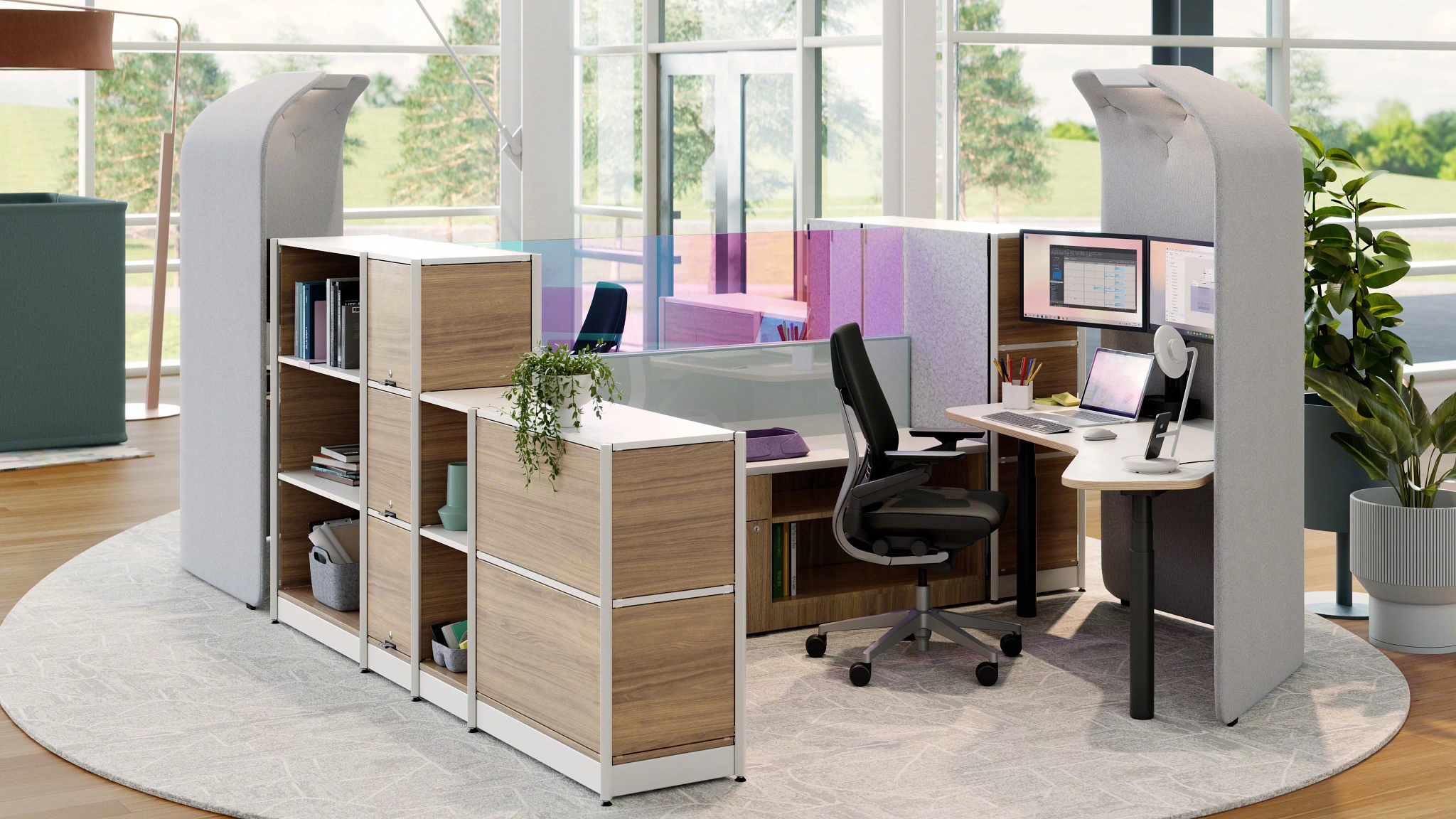
Ask a handful of office managers what amenities matter most in shared workspaces, and you’ll hear a lot of the same answers. Power tops the list. If people are hunting for outlets or tripping over extension cords, the whole setup feels unfinished.

Then round it out
Add good lighting and adjustable, comfortable chairs, and you’ve covered the essentials.
Choose Furniture That Flexes With You
Here’s where a lot of offices get stuck. They buy furniture for the team they have today, and two years later it doesn’t fit. In shared workspaces, flexibility is everything.
Height-adjustable desks
Let anyone sit down at any station and get comfortable.
Tables on casters
Roll together for a brainstorm and split apart afterward.
Modular seating
Can be rearranged in minutes.

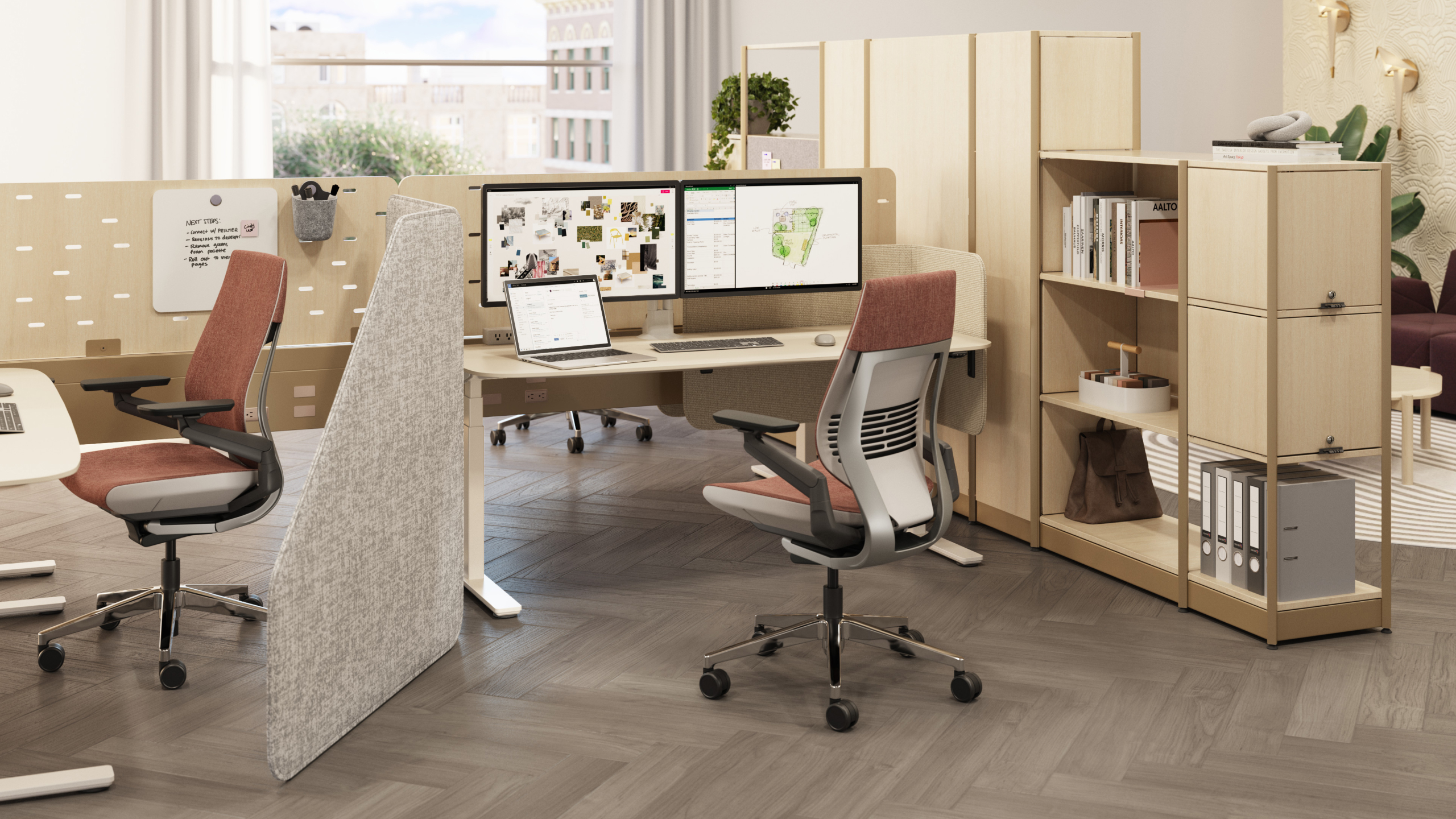
That’s exactly why our showroom looks the way it does. Workspace Inc. carries furniture for every kind of office, from a five-person startup to a multi-floor headquarters. We’ve got ergonomic seating, benching systems, private pods, conference tables, and storage solutions, and our team is happy to help you mix and match until the layout feels right.
Set a Few Simple Ground Rules
Even the best design needs a little etiquette. A clean-desk policy, a room-booking system, and agreed-upon quiet hours keep everyone on the same page. Nobody wants a 20-page handbook, though. Check in after a few months and ask what’s working. A shared office should evolve right along with your company.
Nobody wants a 20-page handbook.
Building a Shared Office Your Team Will Love
Creating shared workspaces isn’t about squeezing more people into less room. It’s about giving your team the right spot for the right moment, whether that’s a quiet corner, a buzzing project table, or a comfy chair for a quick break. Plan around real habits, zone intentionally, prioritize everyday amenities, and pick furniture that adapts.
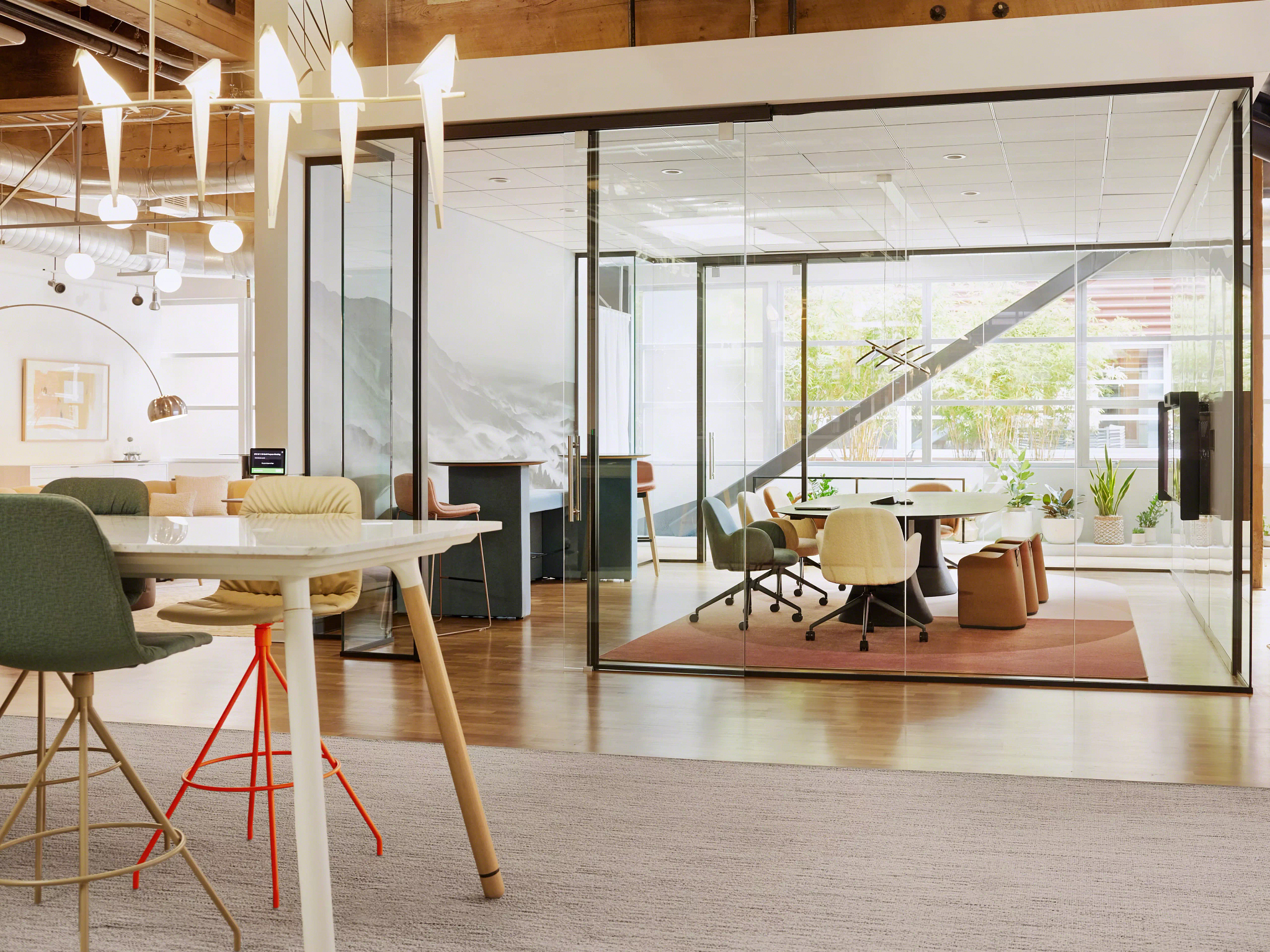
Let’s Plan Your Space Together
When you’re ready to get started, stop by and see us. Our team at Workspace Inc. would love to walk you through the options and help you design an office that works as hard as your people do.
Frequently Asked Questions
Space per person, noise, budget priorities, and layout help.
How much space does each person need in a shared office?
It depends on your layout and attendance. Hybrid teams often need fewer desks than employees, so plan around your busiest day.
How can we keep an open office from getting too noisy?
Acoustic panels, rugs, high-back seating, and phone booths all help, as does keeping quiet zones away from the kitchen.
If the budget is tight, what amenities matter most in shared workspaces?
Start with reliable power, personal storage, and comfortable, adjustable seating. Those three affect people every single day, so they deliver the most value per dollar.
Can Workspace Inc. help with layout planning?
Absolutely. Our team can talk through how your people work and suggest furniture that fits each zone.